Identity
16/4/2026

9 min
Every bit of friction in the identification process costs you conversions
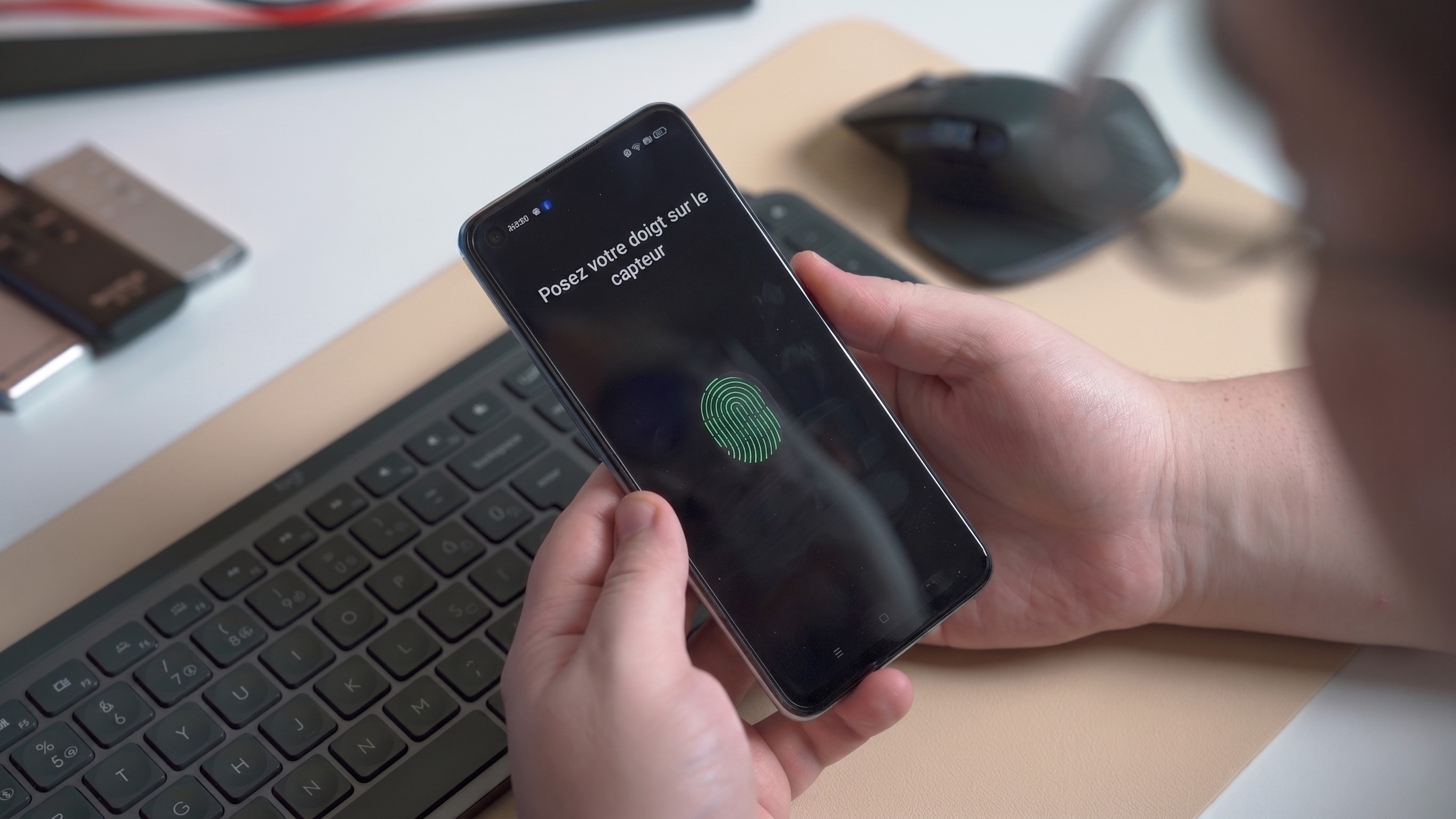

Do you know the impact of the authentication stage on your conversion rate? Most e-commerce brands closely track their conversion rate, cart abandonment rate, and acquisition costs.
However, the login success rate—the share of visitors who start a login process and complete it—remains an underutilized lever for optimization.
The conversion rate is the result of a combination of factors that influence the outcome: quality of incoming traffic, relevant offers and pricing, a mobile-friendly user experience, checkout friction points, customer authentication, payment, and delivery are the primary levers for improvement.
In this article, we will focus on customer authentication, specifically the benefits of a CIAM (Customer Identity and Access Management) system—the platform that manages account creation, authentication, and user preferences across all your channels—to help you optimize 5% to 12% of your conversion rate. This may seem modest in percentage terms, but on high volumes, it represents several thousand euros in additional revenue.
We will first look at the friction points where conversion is lost during registration and login, then which authentication methods can reduce them without sacrificing security, and finally how to concretely measure the impact on your business metrics.
The average e-commerce site features 23 form elements during checkout, whereas an optimized journey can get by with 12 to 14 elements, or even 7 to 8 if counting only input fields.
Nearly 22% of shoppers report abandoning a cart due to a process they deemed too complex. Beyond length, the nature of the information requested is problematic: requiring a date of birth, full address, and phone number on the first visit creates a disconnect between the effort required and the value perceived by the visitor.
An underestimated irritant, yet one with a considerable impact.
It is the most common authentication method, with a success rate between 70% and 80%—which also means that 20% to 30% of users abandon the process at this stage because they cannot remember or enter their password. Beyond abandonment, every forgotten password triggers a reset procedure, a potential support ticket, and, most importantly, frustration for a customer who was ready to buy.
This is one of the structural limitations of the email/password combination: as widespread as it is, this authentication method remains a recurring source of friction, especially on mobile.
About 24% to 26% of shoppers abandon their cart when forced to create an account. "Guest checkout" seems like the obvious solution, but it has its limits: without an account, there is no actionable first-party data, no personalization, no loyalty program, and no unified view of the customer.
Guest checkout solves the immediate friction but prevents the building of a lasting, personalized customer relationship. The challenge, therefore, is not to eliminate identification, but to make it as fluid and transparent as possible for the customer: finding the right balance between identification and a seamless purchasing journey.
Offering only a username/password combination means ignoring the context in which the customer is logging in. On mobile, typing a complex password on a virtual keyboard significantly amplifies friction. In Asia, offering only Google as a social login means missing out on essential platforms like Kakao, Line, or WeChat. The principle: a login method must adapt to the channel, the geographic area, and the use case.
Several authentication methods can significantly reduce friction during registration and login while maintaining or even strengthening security levels. A Forrester study of CIAM platform customers shows that improving the authentication experience led to a 15% increase in account creation for one of the brands studied, thanks to the optimization of login and authentication methods.
Integrated into a CIAM, these methods adapt to the context of the customer journey (mobile, desktop, returning customer) and offer measurable benefits for conversion.
Let’s go for a guided tour!
Social login allows users to register or sign in using an existing account: Google, Apple, Facebook, PayPal, and many others. For the user, the experience is almost instantaneous: one click, authorization to share basic information, and the account is created. No forms to fill out, no passwords to remember. The success rate reaches 85 to 92%, compared to 70 to 80% for the traditional email/password combination, with particularly strong performance on mobile.
The choice of social connectors must also be adapted to the geographic region. In Europe, Google and Apple dominate. In Asia, local platforms like Kakao, Line, or WeChat are essential and integrate far more than just authentication: purchasing, loyalty, and brand conversation. Offering the right connectors for each market maximizes the account creation rate while strengthening security, as authentication is delegated to a robust identity provider.
Passwordless authentication, or passwordless, refers to any method that removes the password from the user journey. The most advanced technology is passkeys : a pair of cryptographic keys, one on the server side and one on the user's device, unlocked by biometrics (fingerprint, facial recognition). In practice, friction is virtually non-existent: the device natively suggests the existing key, and the customer authenticates with a simple gesture, without any typing. The success rate reaches 92 to 98%, the highest of all authentication methods. The explanation is simple: authentication is native, instantaneous, free from human error, and does not rely on email or SMS. Furthermore, a passkey is unguessable, protected by a possession factor (biometrics), and can be synchronized across devices via iCloud, Chrome, or OneDrive. The main hurdle remains adoption: the standard is still new, but FIDO2 members, including Apple, Google, and Microsoft, are actively promoting it.
AnOTP (One-Time Password) is a temporary code sent via SMS or email. It can be used for account creation or customer identification as a replacement for a password.
The magic link is even more effective for known customers: it is a link that authenticates the customer without requiring a login step. When included in a promotional email, the customer is recognized by the link they click and does not need to identify themselves again once on the site.
These methods show a success rate of 85 to 90%, with errors primarily stemming from email deliverability. This is a particularly powerful lever for repeat purchases.
Multi-factor authentication, or MFA (Multi-Factor Authentication), combines a primary factor (password, email) with a secondary one (OTP, biometrics). Rather than requiring it every time, the most effective approach is contextual MFA (or Risk-Based Authentication): the system analyzes every login attempt (known or unknown device, unusual location, suspicious behavior) and only triggers additional verification when the risk justifies it.
The result: enhanced security where it matters, without added friction for the majority of logins.
Particularly well-suited for mobile journeys, this method makes it easier for your customers to return to your site: the session remains active, your customer stays logged in for up to 3 months, and no authentication is required. Beyond eliminating friction, the customer feels recognized by the brand, making their purchase easier. It is an additional lever for loyalty and repeat business.
In summary: Comparison of authentication methods
| Login Method | Initial Conversion | Repeat Business / Customer Retention | KPI — Impact & Success Rate |
|---|---|---|---|
| Guest Checkout | ★★★★★ | ★ | — |
| Email + Password | ★★ | ★★★ | 70–80% successful logins. 20–30% failures: forgotten password, abandonment, mobile friction. |
| Social Login | ★★★★ | ★★★★ | 85–92% success rate. 1 click, no password to remember, highly effective on mobile. |
| One Time Password (OTP) | ★★★★ | ★★★★ | 85–90% success rate. No password, depends on email deliverability. |
| Biometrics / Passkeys | ★★★★ | ★★★★★ | 92–98% success rate. Native, instant authentication, zero human error, no email/SMS dependency. |
| Long Session / One-click | — | ★★★★★ | Reduces friction for 100% of returning users during the session duration. Facilitates customer return. |
| Magic Link | — | ★★★★★ | Automatic, frictionless authentication after clicking from an email or SMS campaign. |
The progressive profiling approach reverses the logic of the traditional form. Instead of asking for everything upfront at the risk of driving visitors away, you capture only the bare essentials on the first visit, then enrich the profile gradually at moments when the request makes sense to the customer.
The idea is based on the principle of reciprocity: customers provide information when they perceive the benefit. Asking for a date of birth at sign-up seems intrusive; asking for it when they join a loyalty program to receive a birthday gift becomes logical.
Here is a typical scenario on an e-commerce site:
Ultimately, the profile is just as rich as one from an initial long-form survey. But the data was collected within a framework of trust. This data, gathered with the customer's explicit consent, is first-party data (collected directly from your customers, as opposed to third-party cookies): more reliable and fully actionable for personalized journeys. In a context where third-party cookies are gradually disappearing, this is a major strategic asset.
To measure the impact of identification on your conversion rate, we recommend analyzing the following indicators:
These metrics reveal conversion lost at the identification stage and can guide you on the priority actions to take to improve the customer experience.
Before launching an optimization project, here is the information to gather and the key questions to ask:
Annual e-commerce revenue in €
Average basket value in €
This data allows you to calculate the volume on which even a modest improvement in conversion rate will have an impact.
Current overall conversion rate
This is the baseline from which you can estimate the incremental gain linked to authentication.
What is your mobile usage rate?
The higher the mobile share, the greater the impact of an adapted authentication method (social login, biometrics, passkeys) will be.
Do you offer guest checkout? If so, what is the ratio of guest vs. authenticated customers?
This gap reveals the conversion potential untapped by identification.
What is your annual repeat business and what is the average user session duration?
These indicators measure the potential of long sessions and one-click re-login for customer loyalty.
What authentication methods do you currently offer and in what context (mobile, desktop)? password, social login, biometrics, email OTP code, SMS OTP code
To audit your existing setup and identify areas for improvement
What authentication identifiers are offered? Email, phone, business ID (customer account, loyalty number, etc.)
To audit your existing setup and identify areas for improvement and potential friction points.
By analyzing your existing authentication experience (authentication methods, session duration, presence or absence of guest checkout) in the context of your business KPIs (revenue, average basket, current conversion rate, and purchase frequency), we can help you evaluate the potential for conversion rate improvement, translated into additional revenue.
Micromania has enriched its login methods with social login (Google, PayPal, Facebook) in addition to passwords. Identification steps are "a key point of the customer experience," emphasizes Samuel Vandamme, E-commerce and Digital Director, especially since the customer account includes an electronic wallet.
Adopting alternative methods has helped improve the user conversion rate.
Listen to the full podcast and interview to discover how Micromania simplified the customer experience without sacrificing security through a multi-country CIAM platform. Link to the podcast
Gifi deployed social login and progressive profiling to streamline the journey from cart to checkout, resulting in a unified customer view both online and in-store. The goal, according to Program Director Eric Isel, was to "create as little friction as possible between adding to the cart and the moment of payment."
Read the full testimonial in the white paper "5 recommendations for deploying a personalized, seamless, and secure customer experience" Link to the testimonial
Leclerc unified its customer account across more than 20 consumer sectors, where each sector previously required its own registration, which had "a very negative impact on the conversion rate." The solution: a centralized management platform using Purse's CIAM, progressive profiling for quick registration to reduce friction, and a range of authentication methods (social login, MFA, OTP) for a seamless, single sign-on experience.
Download the full case study here to learn more about how Leclerc provides an omnichannel customer experience across every consumer sector and touchpoint. Link to the case study
Authentication is an underutilized conversion lever. Its impact on the conversion rate is around 5 to 12%, which, for high volumes, represents thousands of euros in recoverable revenue.
The email/password combination remains the primary point of friction. With 20 to 30% of login failures (forgotten passwords, mobile abandonment), it generates conversion losses, support requests, and customer frustration.
Proven alternatives exist. Social login (85-92% success rate), OTP (85-90%), passkeys (92-98%), and magic links allow you to adapt the method to the context, channel, and customer profile.
Progressive profiling is a highly effective replacement for long forms. Collecting data at the right moment, when the customer perceives the benefit, improves both the account creation rate and the quality of first-party data.
The impact is measurable before you even get started. By gathering your key data (revenue, average basket, TTR, mobile rate, repeat business), you can project expected gains and prioritize the methods best suited to your context.